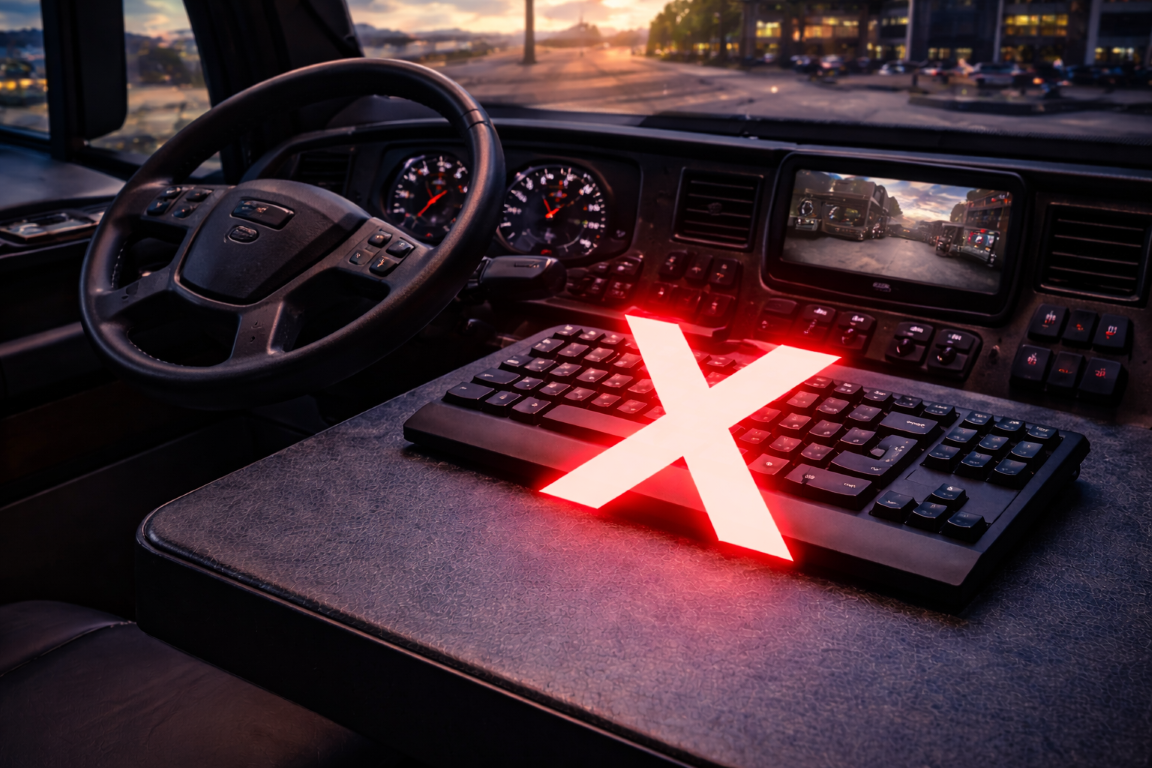
How to Improve Immersion in American Truck Simulator
American Truck Simulator delivers an incredibly detailed and immersive driving experience, from expansive highways to realistic vehicle physics and dynamic weather.
But for many drivers, something still feels missing.
The visuals may be realistic, the physics may be accurate, but interacting with the simulator through a keyboard can break the illusion almost instantly.
If you want to truly feel like you’re behind the wheel, upgrading how you control the simulator is one of the most impactful improvements you can make.
The Problem with Keyboard Controls in Truck Simulation
A keyboard was never designed to replicate the experience of driving a real truck.
- Flat, identical keys offer no tactile feedback
- Key bindings are difficult to remember and unnatural to use
- Looking down to find controls breaks immersion
- Critical functions feel disconnected from the driving experience
Even simple actions like activating lights, engaging engine brakes, or toggling accessories can feel more like operating a computer than driving a vehicle.
Why a Button Box Changes Everything
A truck simulator button box replaces keyboard shortcuts with real, physical controls designed to mirror actual vehicle functions.
Instead of pressing keys, you flip switches, toggle controls, and interact with your simulator in a way that feels natural and intuitive.
1. Real-World Interaction
Driving a truck is a hands-on experience, and your controls should reflect that.
With a button box, functions like headlights, engine start, auxiliary systems, and accessories are controlled through dedicated switches, just like in a real cab.
2. Improved Immersion
Immersion comes from consistency.
When your hands interact with physical controls instead of a keyboard, the gap between simulation and reality starts to disappear.
You’re no longer managing inputs. You’re operating a vehicle.
3. Faster and More Natural Workflow
Everything is exactly where you expect it to be.
No searching for keys. No second-guessing inputs. Just smooth, uninterrupted control.
4. Reduced Distractions
Keeping your eyes on the road is critical, even in a simulator.
A button box allows you to operate controls by feel, without breaking focus or looking away from the screen.
Essential Functions Better Handled by a Button Box
- Engine start and ignition
- Headlights, high beams, and auxiliary lighting
- Engine brake and retarder controls
- Wipers and environmental controls
- Accessory and custom-mapped functions
These are actions you perform constantly, and they should feel natural every time.
Why SIM-PANEL Leads in Truck Simulation Hardware
SIM-PANEL built its reputation in the trucking simulation space, delivering hardware trusted by tens of thousands of simulation enthusiasts worldwide.
The SIM-PANEL Classic II and HT / HTE series are purpose-built to bring real-world trucking controls directly into your setup.
These are not generic button boxes. They are designed specifically for truck simulation, with a focus on quality, innovation, and immersion.
- Realistic toggle switches for authentic control
- Dedicated layouts designed around truck simulation workflows
- Customizable LED backlighting for visibility and personalization
- Durable construction built for long-haul sessions
Every detail is engineered to enhance realism and eliminate the disconnect caused by traditional input devices.
From Simulation to Experience
American Truck Simulator is more than just a game. It’s an experience.
But that experience is only as immersive as the way you interact with it.
Switching from a keyboard to a dedicated truck simulator control panel transforms the way you drive, making every action feel deliberate, intuitive, and real.
Take the Driver’s Seat
If you’re ready to move beyond keyboard shortcuts and truly immerse yourself in the road, upgrading your controls is the next step.
With SIM-PANEL’s industry-leading hardware, you’re not just playing a simulator.
You’re driving it.
Command your simulation.